
Floating Reviews Launcher
On-Site - Floating Reviews Launcher
Add a floating Reviews tab to every page of your Shopify store. This guide covers turning on the Floating Reviews app embed in Shopify, customising it and what customers see.
1. Open On-Site Displays
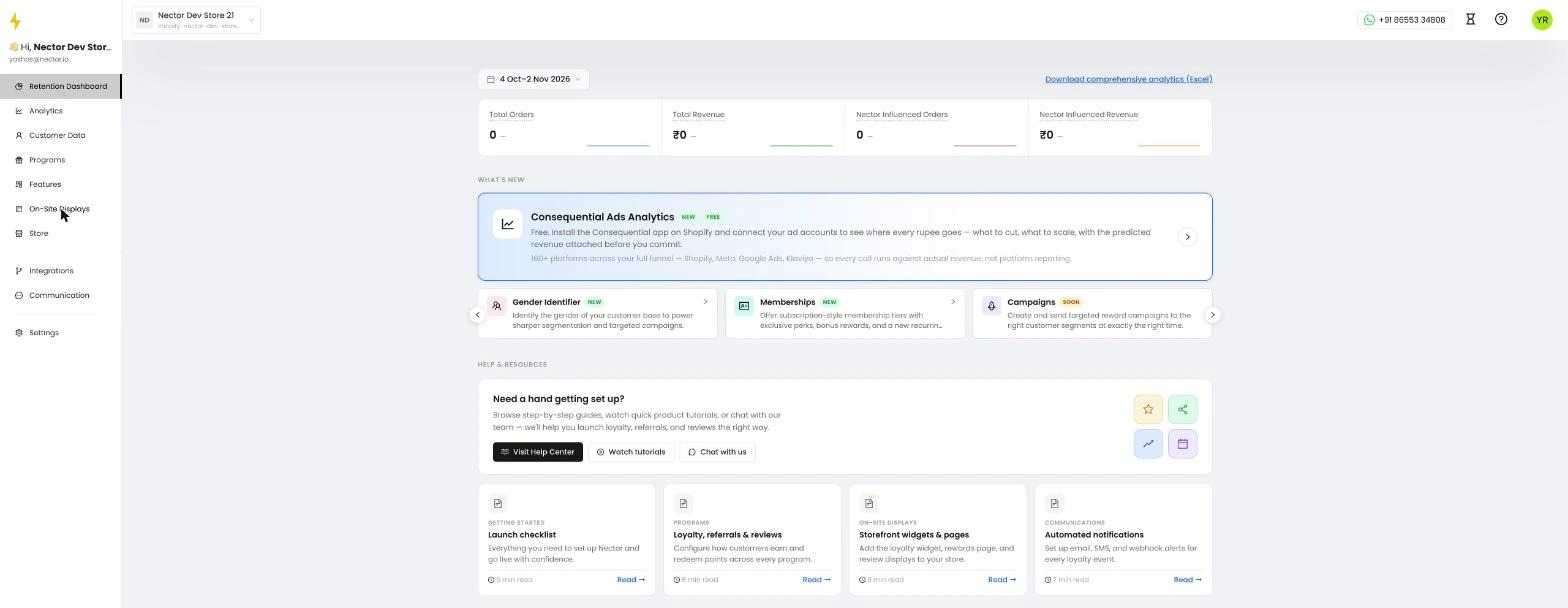
Go to https://merchant.nector.io/ and click On-Site Displays in the left menu.
The Floating Reviews Launcher adds a Reviews tab to the side of every page of your Shopify store, so customers can read your reviews from anywhere.
2. Open the Floating Reviews Launcher
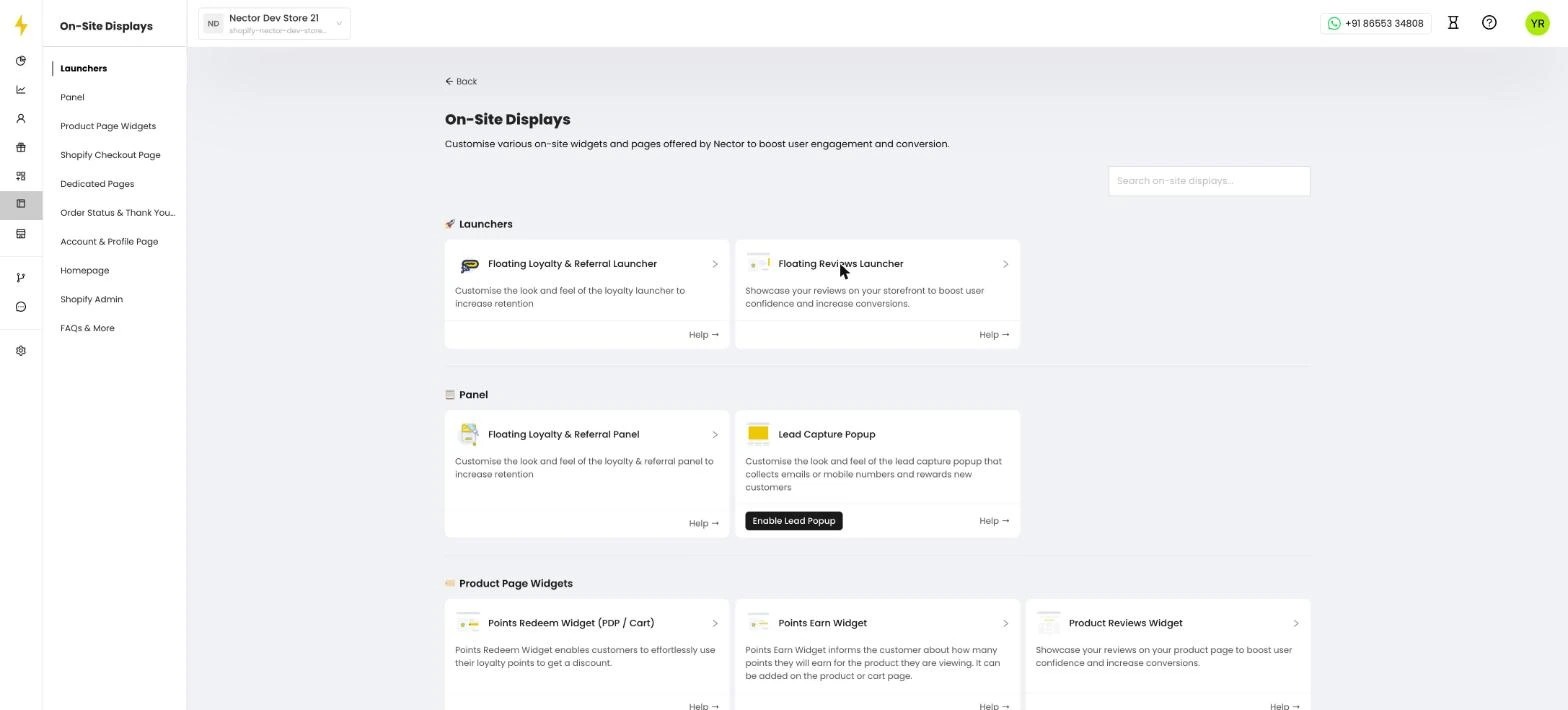
Under Launchers, click the Floating Reviews Launcher card.
3. Make sure the Review Program is on
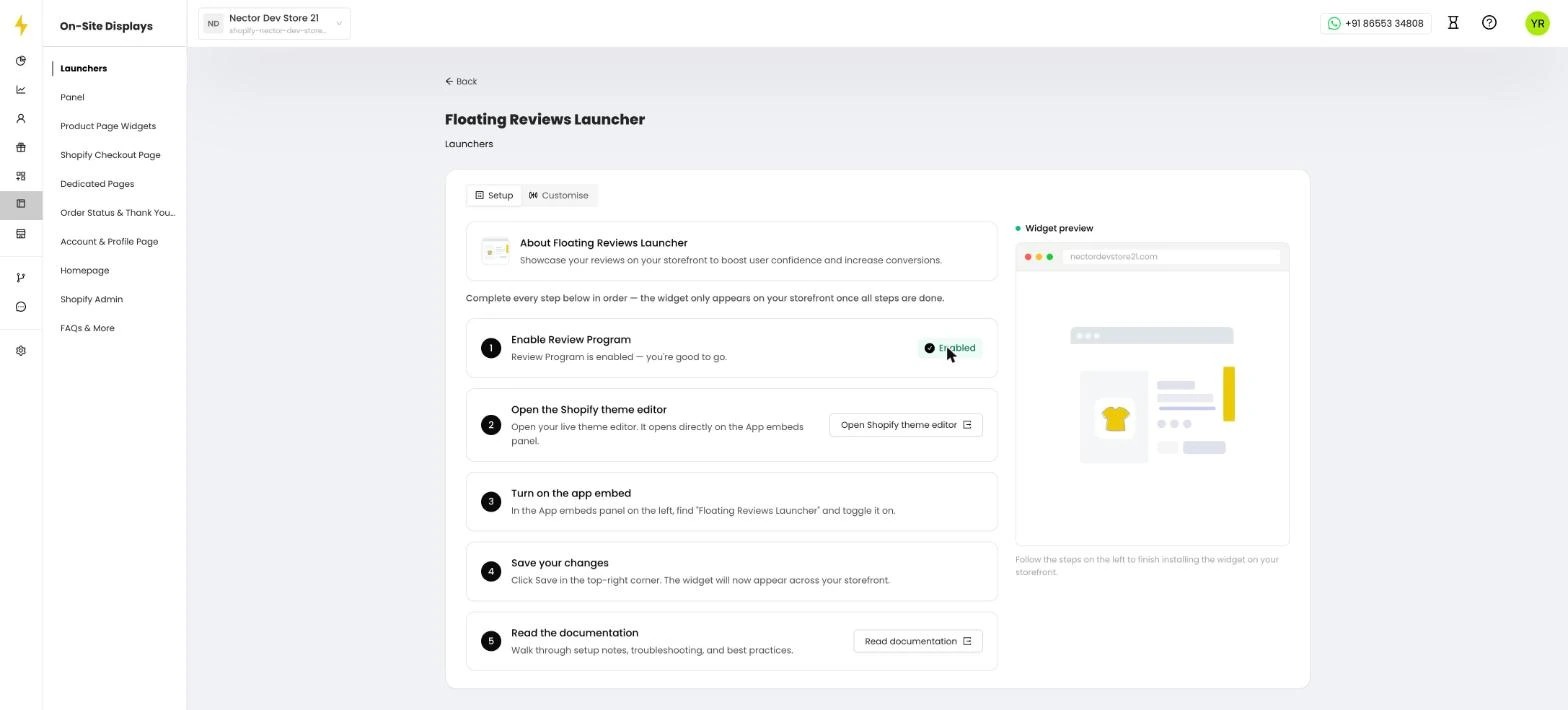
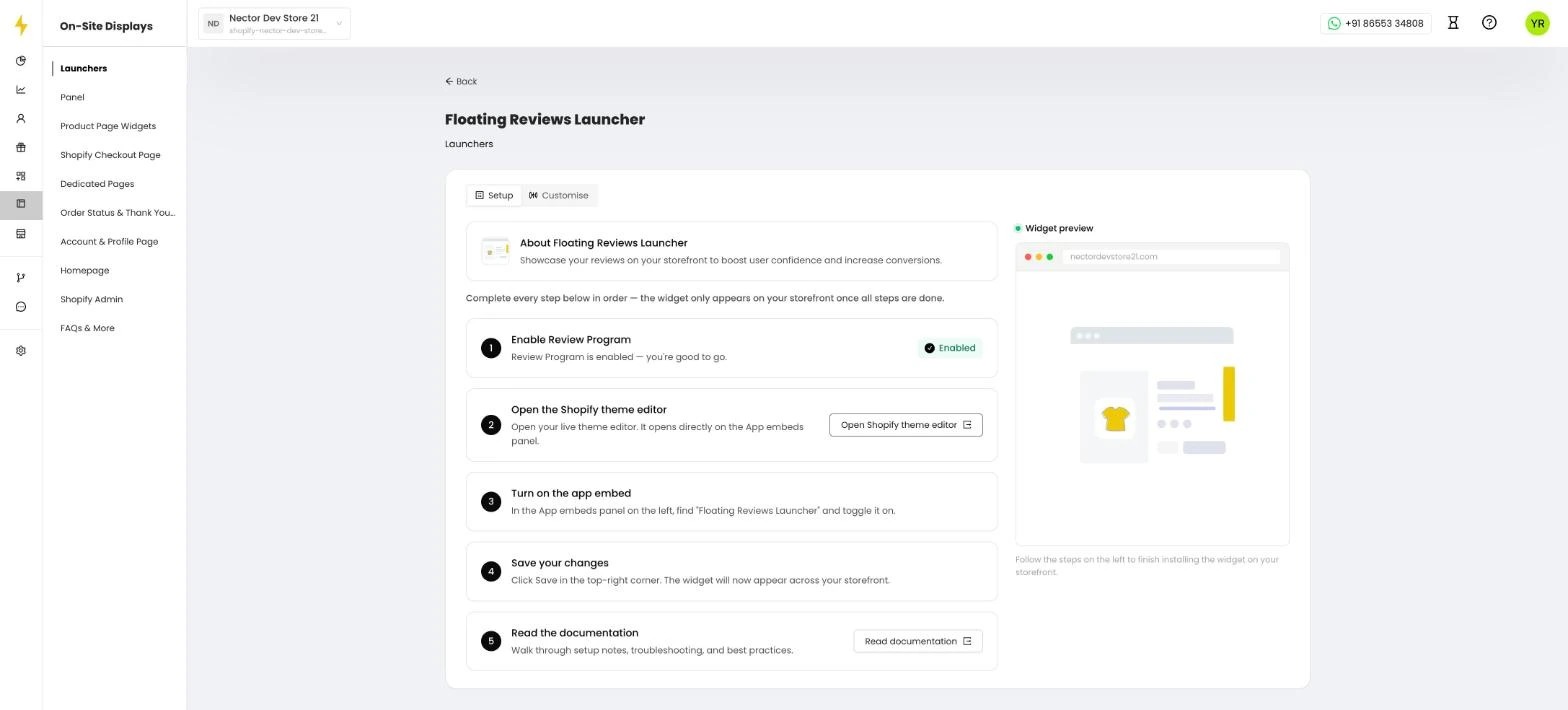
The Setup tab lists the steps to add the widget. The widget only appears on your store once every step is done.
Step 1 checks that your Review Program is turned on. If it shows Enabled, move on. If not, turn on the Review Program first (see Setting Up Reviews Program Part 1).
4. Open the Shopify theme editor
Click Open Shopify theme editor. Your live theme opens in Shopify, directly on the App embeds panel.
You can also get there from Shopify: Online Store > Themes > Customize > App embeds.
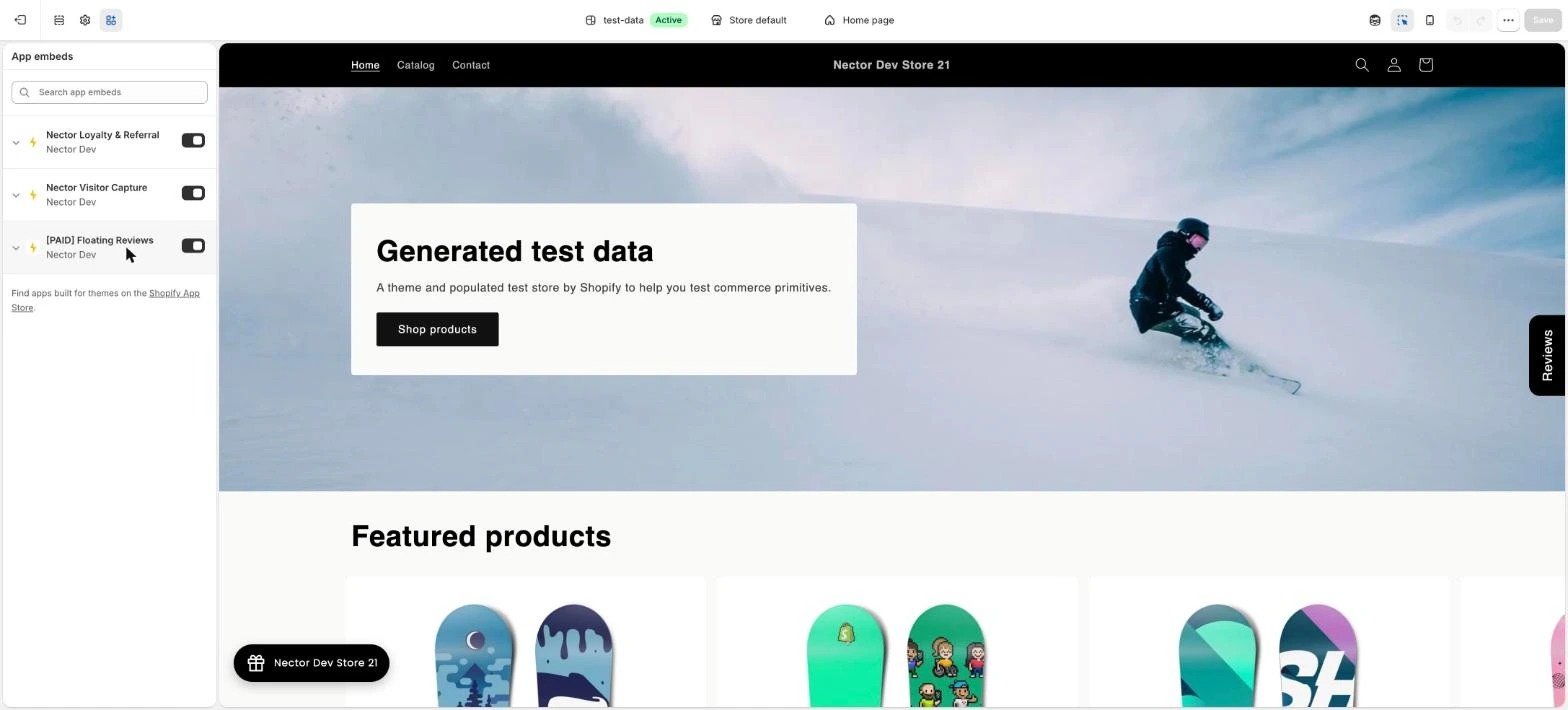
5. Turn on the Floating Reviews app embed
In the App embeds panel on the left, find Floating Reviews and switch its toggle on. A Reviews tab appears on the side of your store preview.
6. Customise the widget (optional)
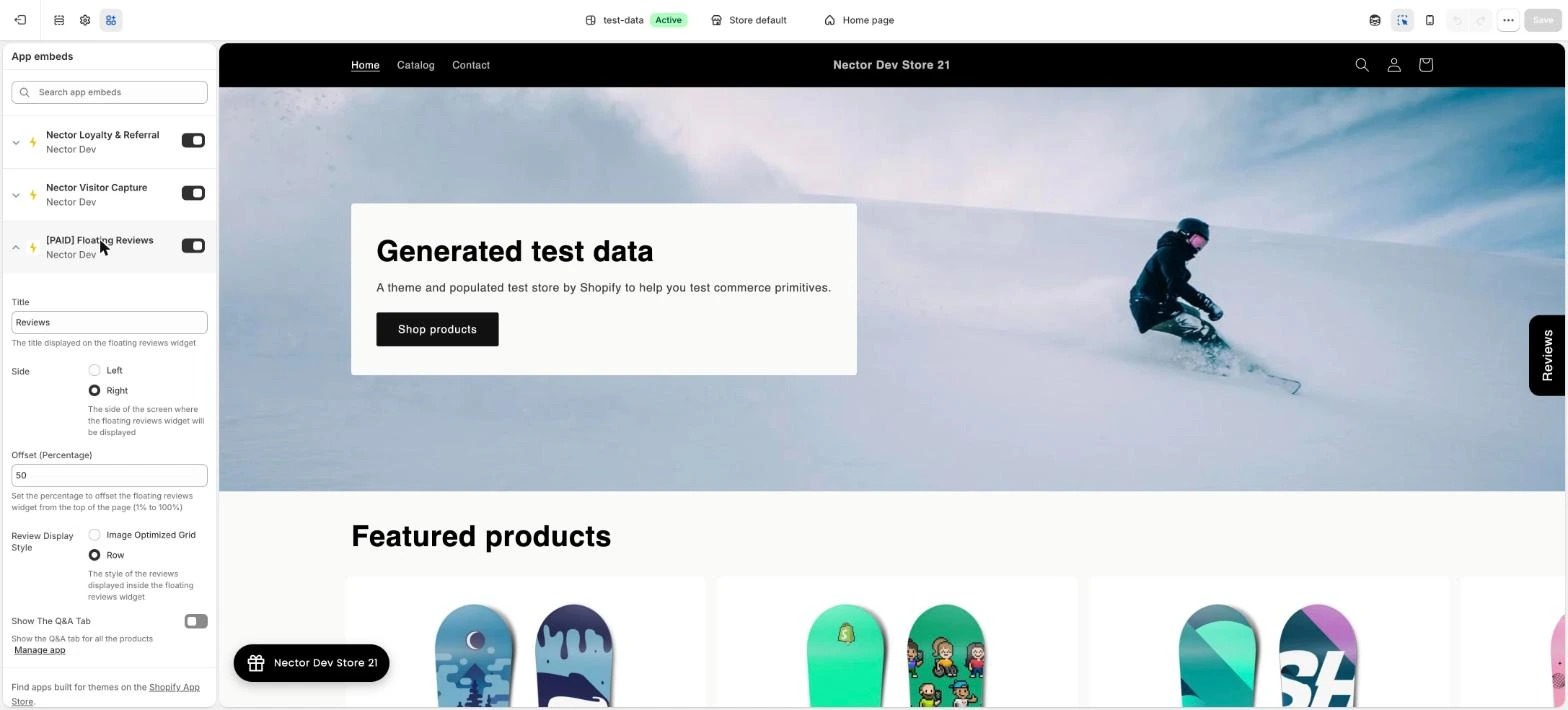
Click Floating Reviews to open its settings:
- Title: the text on the tab, for example Reviews
- Side: show the tab on the left or right of the screen
- Offset (Percentage): how far down the page the tab sits, from 1% to 100%
- Review Display Style: show reviews as an Image Optimized Grid or in a Row
- Show The Q&A Tab: also show product questions and answers
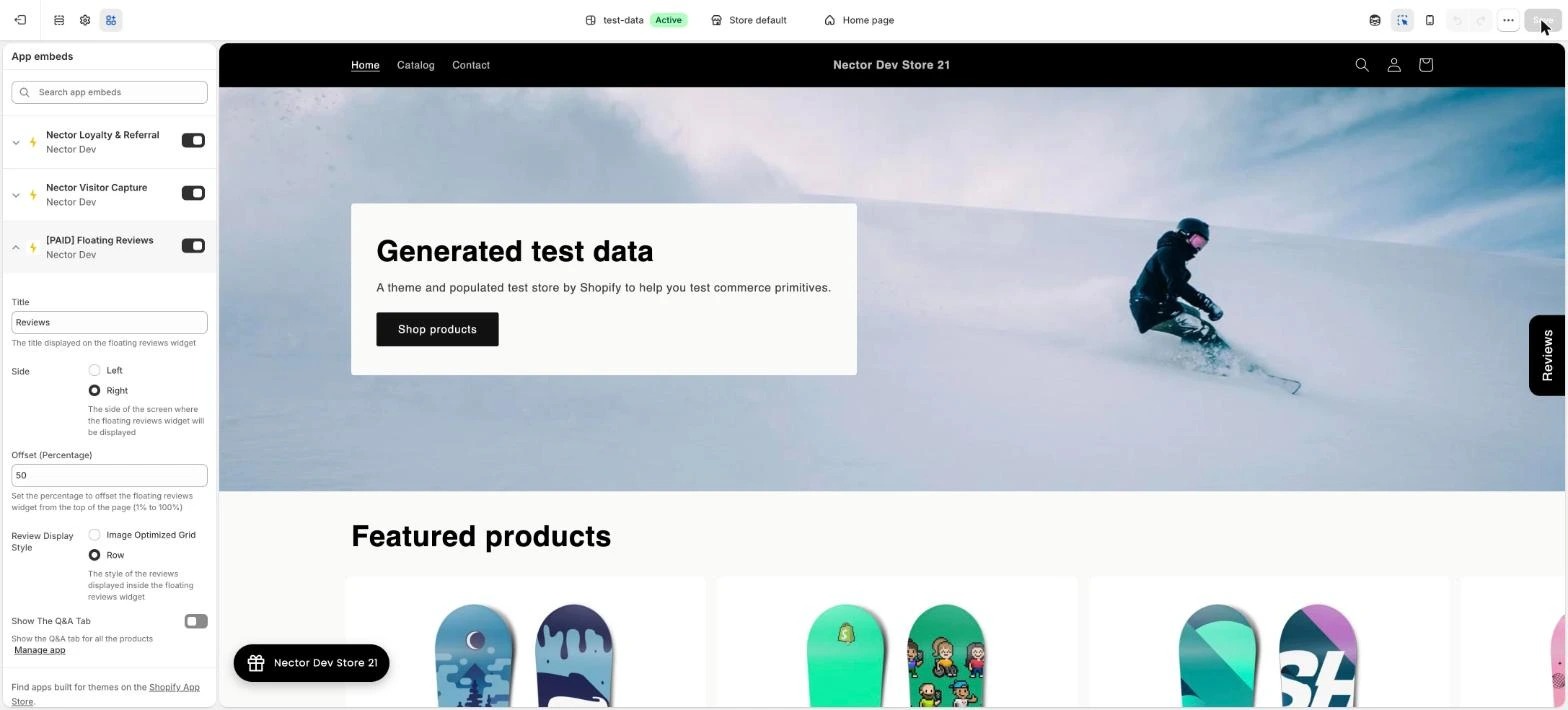
7. Save your changes
Click Save in the top-right corner of the Shopify theme editor. The widget now appears on every page of your store.
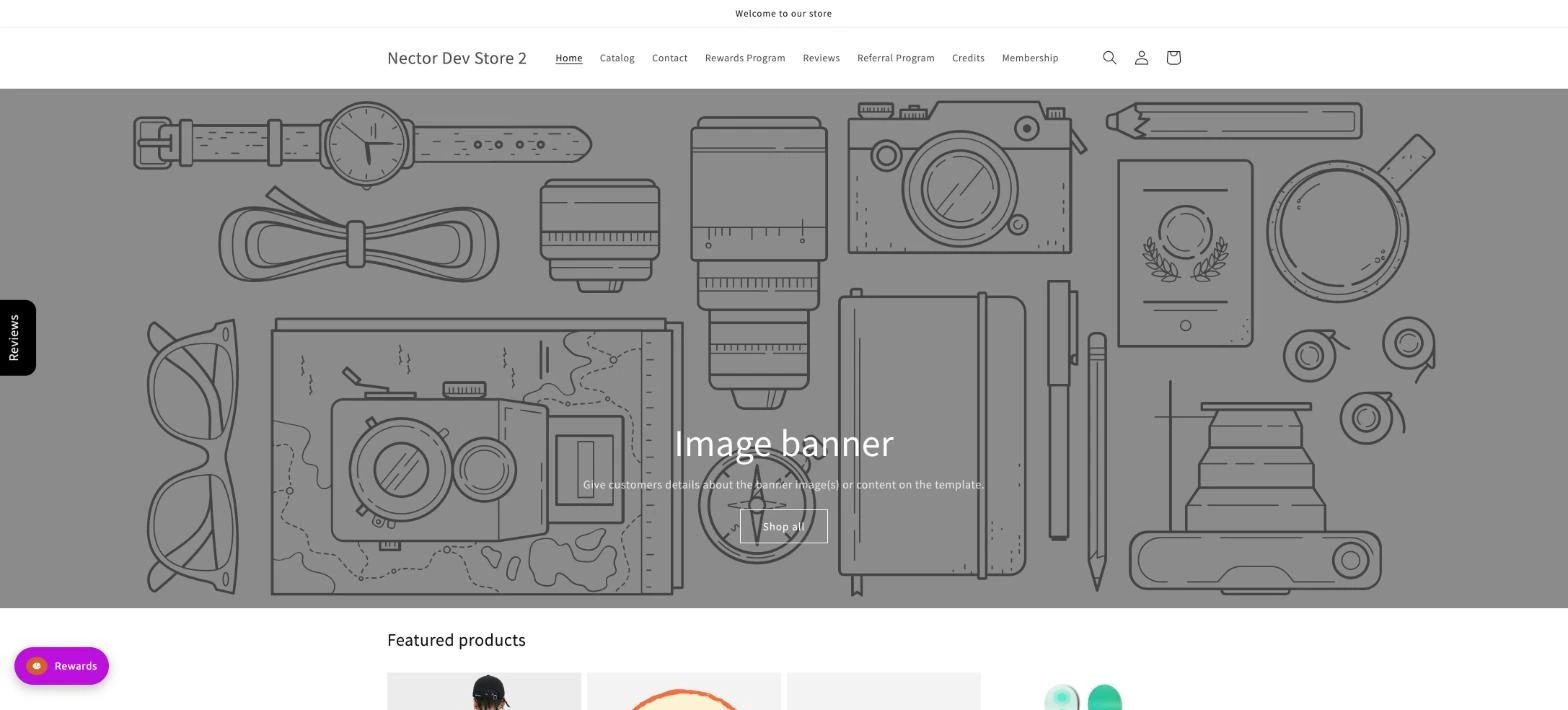
8. See the widget on your store
Open your store. The Reviews tab sits on the side of every page.
9. Read reviews from any page
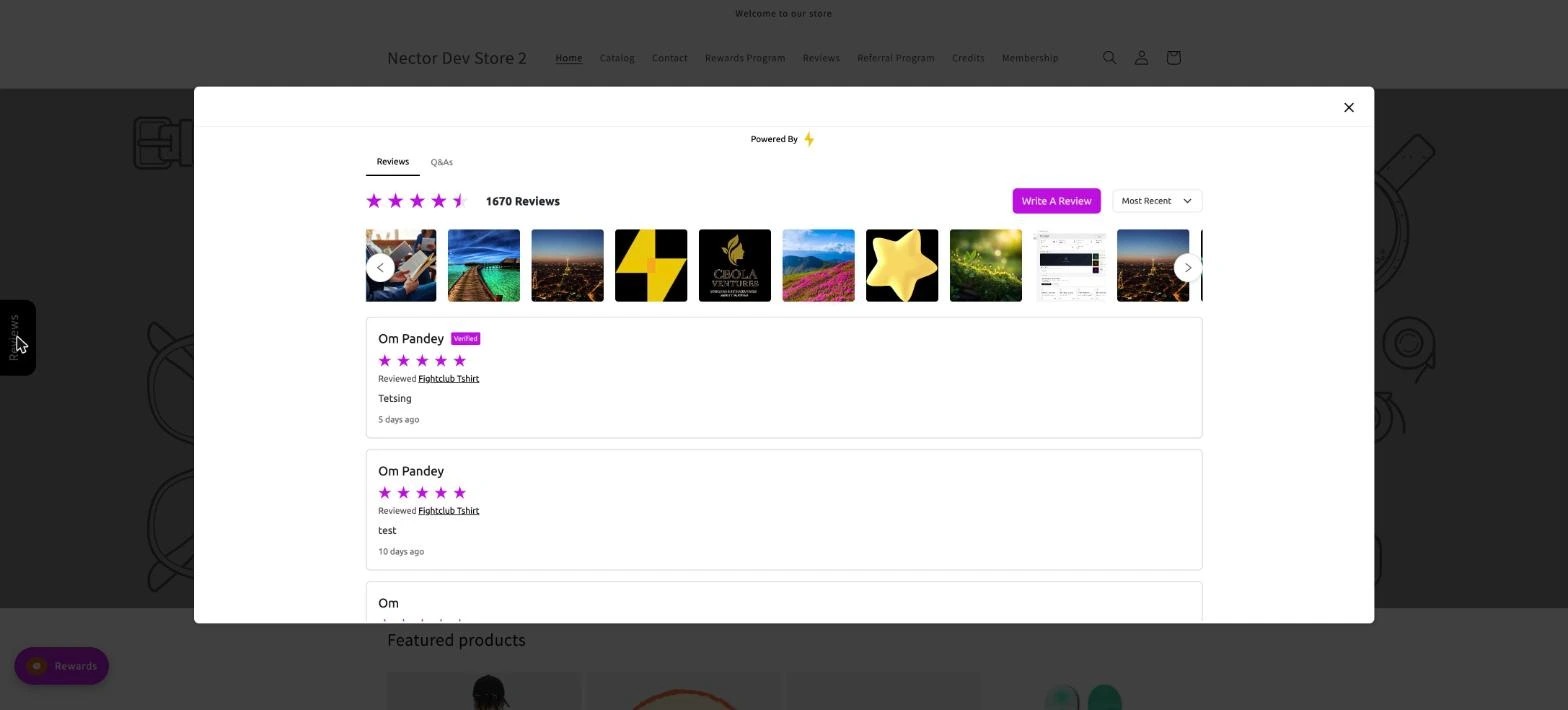
When customers click the Reviews tab, a panel opens with your store's overall rating, review photos and all reviews. They can sort the reviews, switch to Q&As (if turned on) and click Write A Review, without leaving the page they're on.
Tip: 💡 Tip: The Floating Reviews Launcher works with Shopify stores only. To change how it looks later, open the Customise tab on the Floating Reviews Launcher page in Nector; it takes you to the same Shopify settings.
Made with Scribe
Updated on: 04/11/2026
Thank you!