
AI-Powered Review Generation Process
How to Automatically Generate Product Reviews in Nector
Nector's AI-Powered Review Generation feature lets you create product reviews using AI. It's ideal for new products with no reviews, building initial social proof, and boosting conversions. You can generate, edit, and publish reviews directly from your dashboard.
1. Log in to the Nector Merchant Dashboard. Go to https://merchant.nector.io/ and sign in to your account.
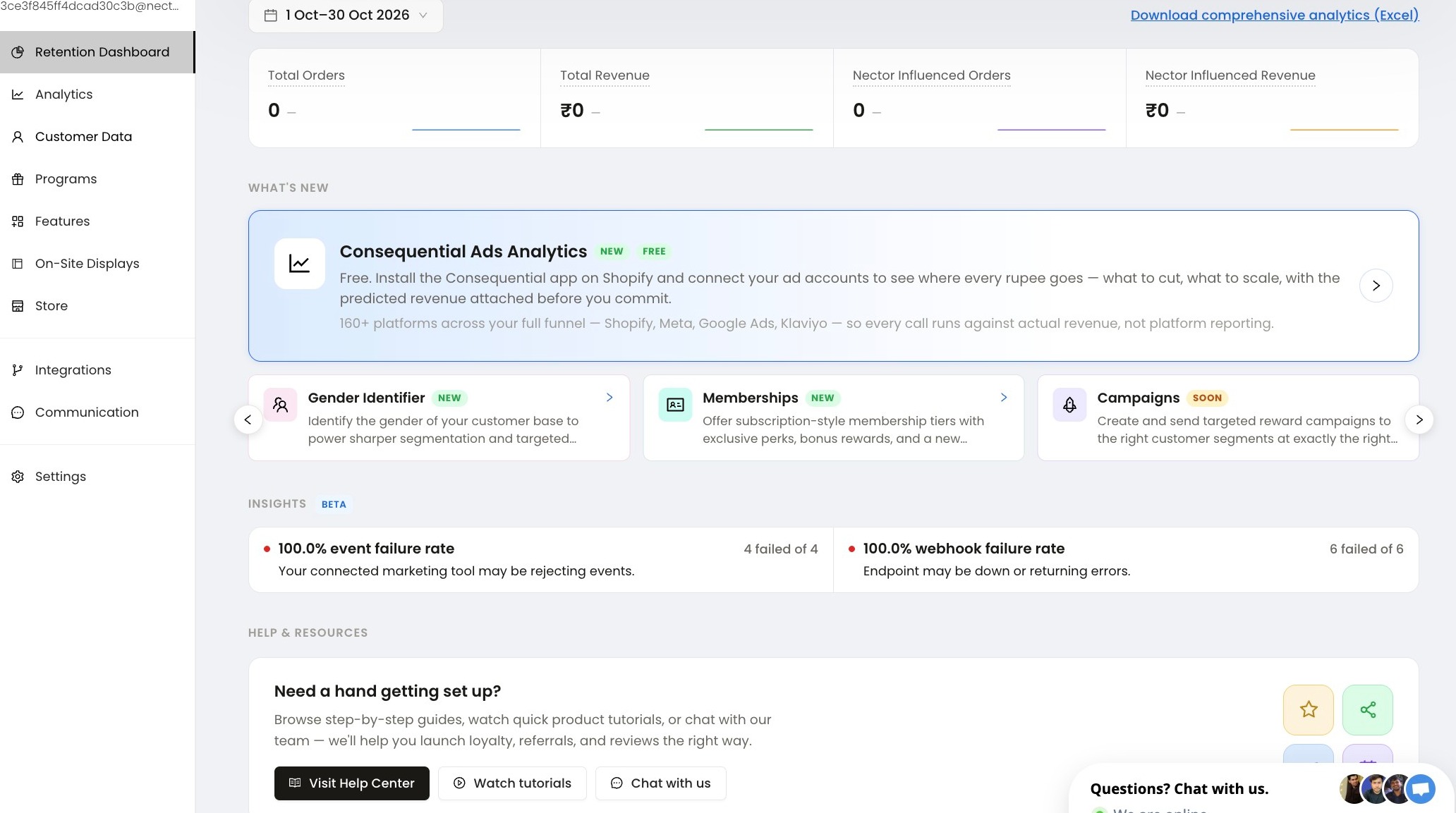
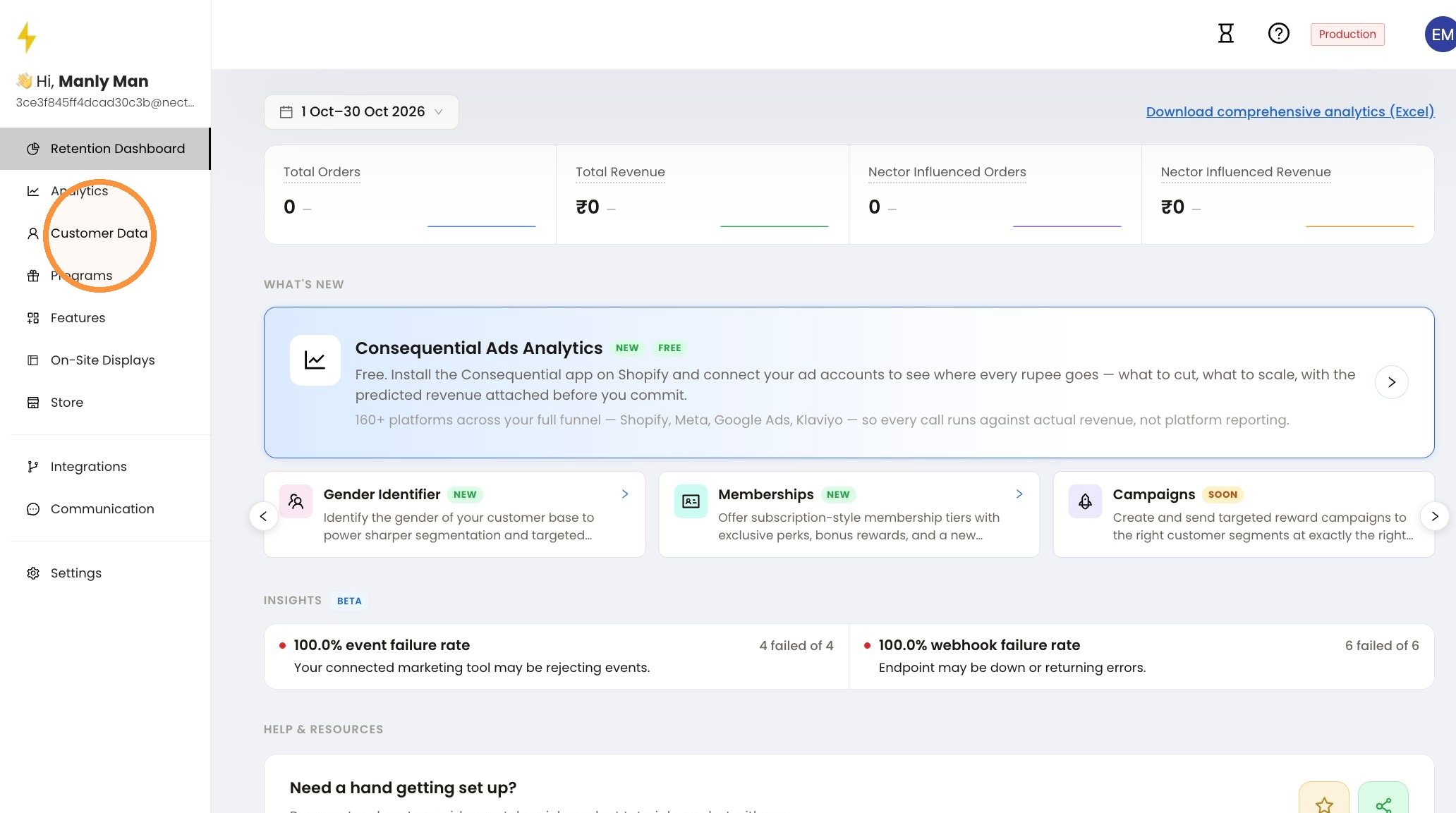
2. Click on Customer Data in the left sidebar. This expands the menu to show sub-options including Import or Bulk Edit Data.
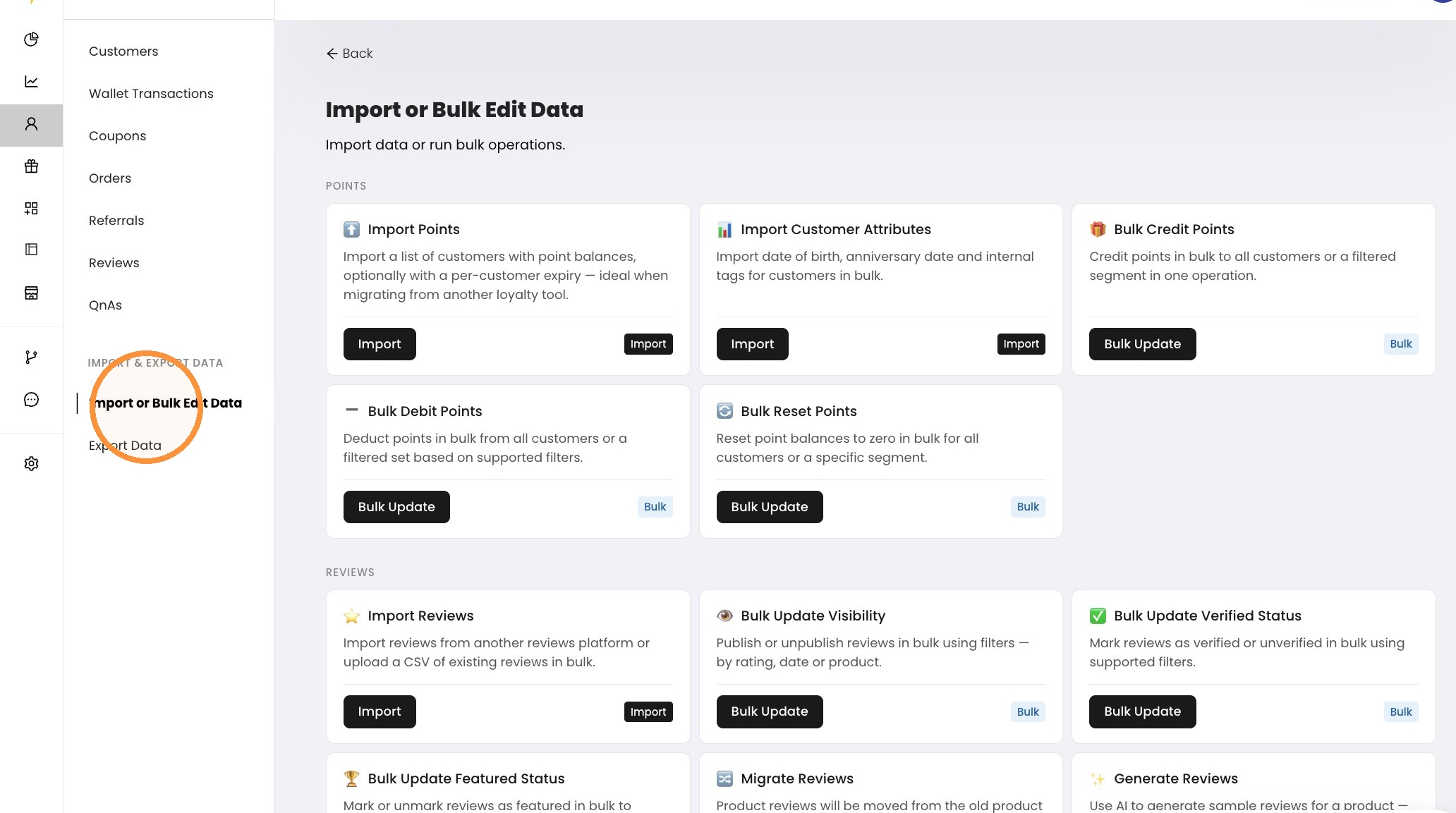
3. Click on Import or Bulk Edit Data. This opens the page where you can import data and run bulk operations, including generating reviews.
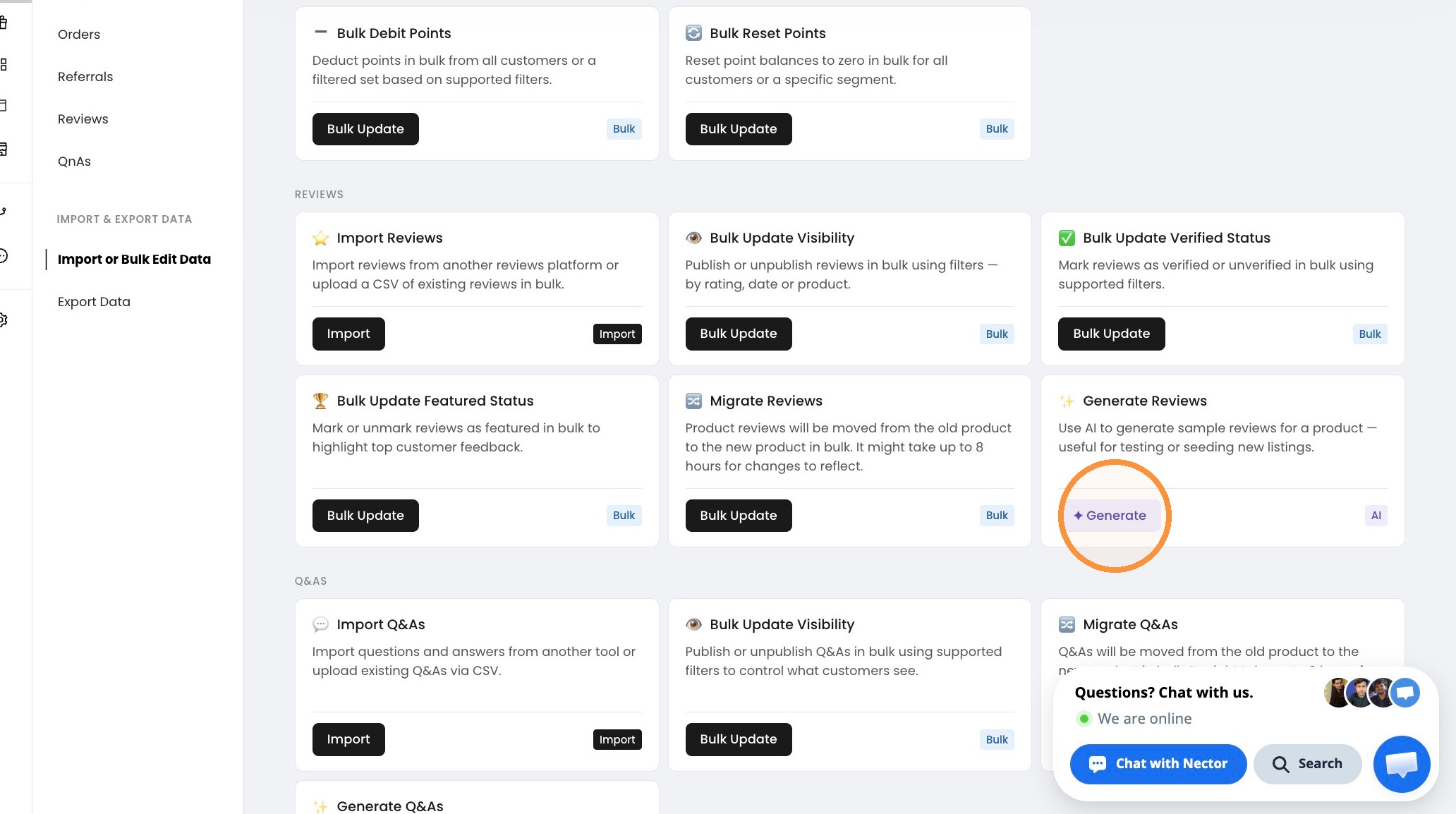
4. Scroll down to the Reviews section and click Generate. Under the Reviews heading, locate the Generate Reviews card and click the Generate button to start creating AI-powered reviews.
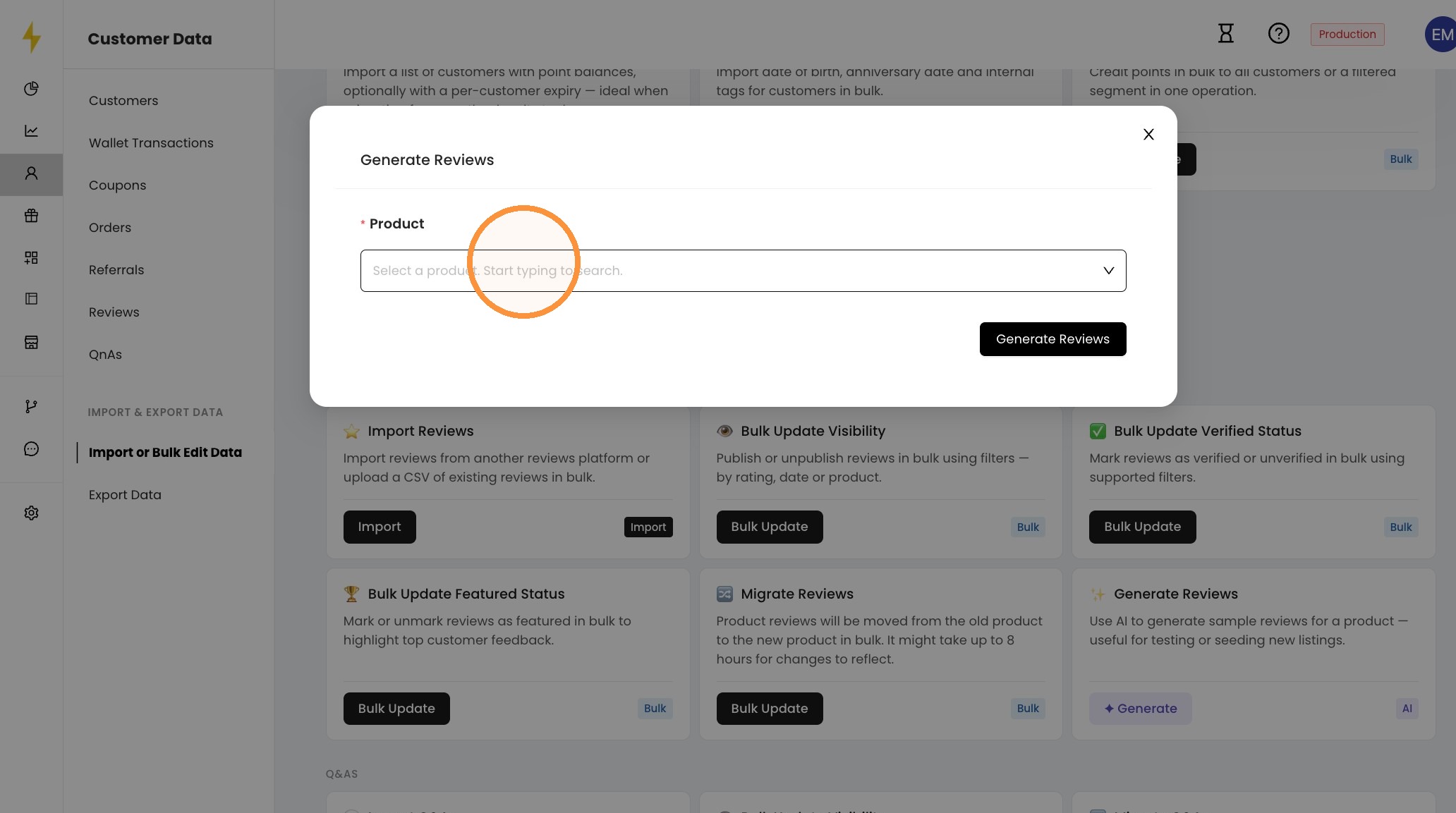
5. Select a product from the dropdown. In the Generate Reviews dialog, use the Product dropdown to search for and select the product you want to generate reviews for.
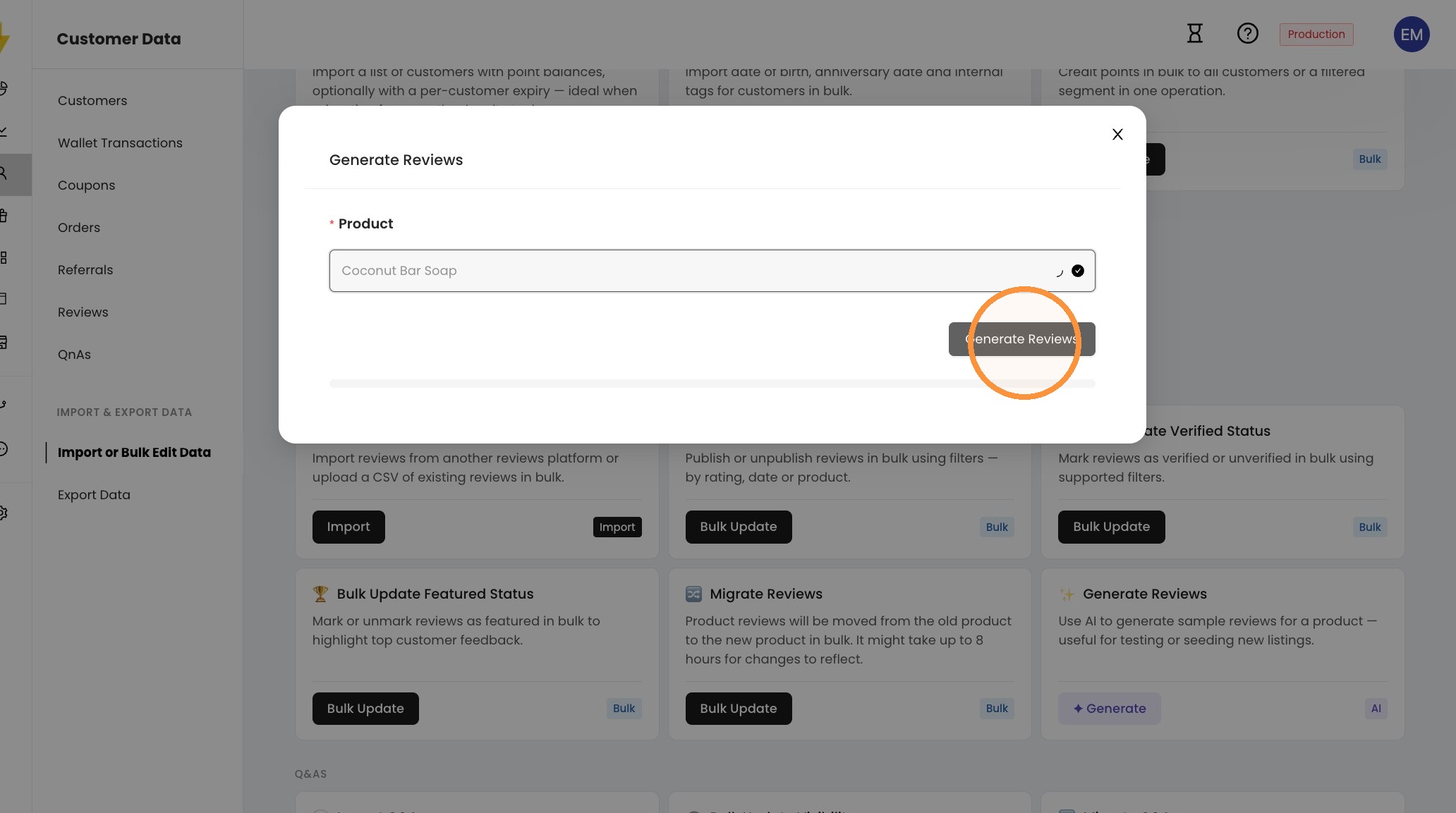
6. Click Generate Reviews. After selecting your product (e.g., Coconut Bar Soap), click the Generate Reviews button to create AI-generated reviews.
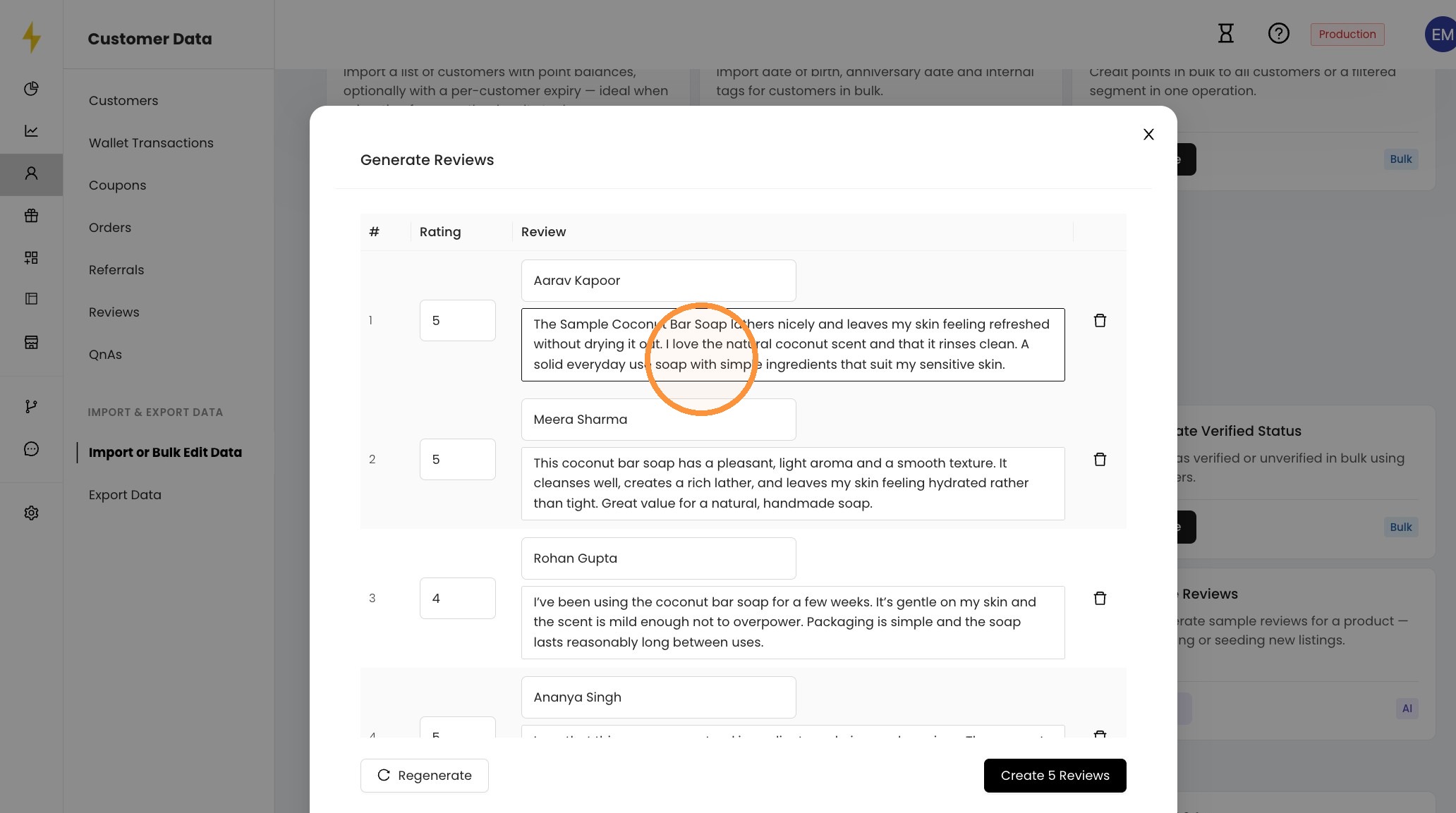
7. Review the AI-generated reviews. The system generates five reviews based on the product description. Each review includes a customer name, star rating, and review text. You can edit any of these fields. Click Regenerate if you want a completely new set of reviews.
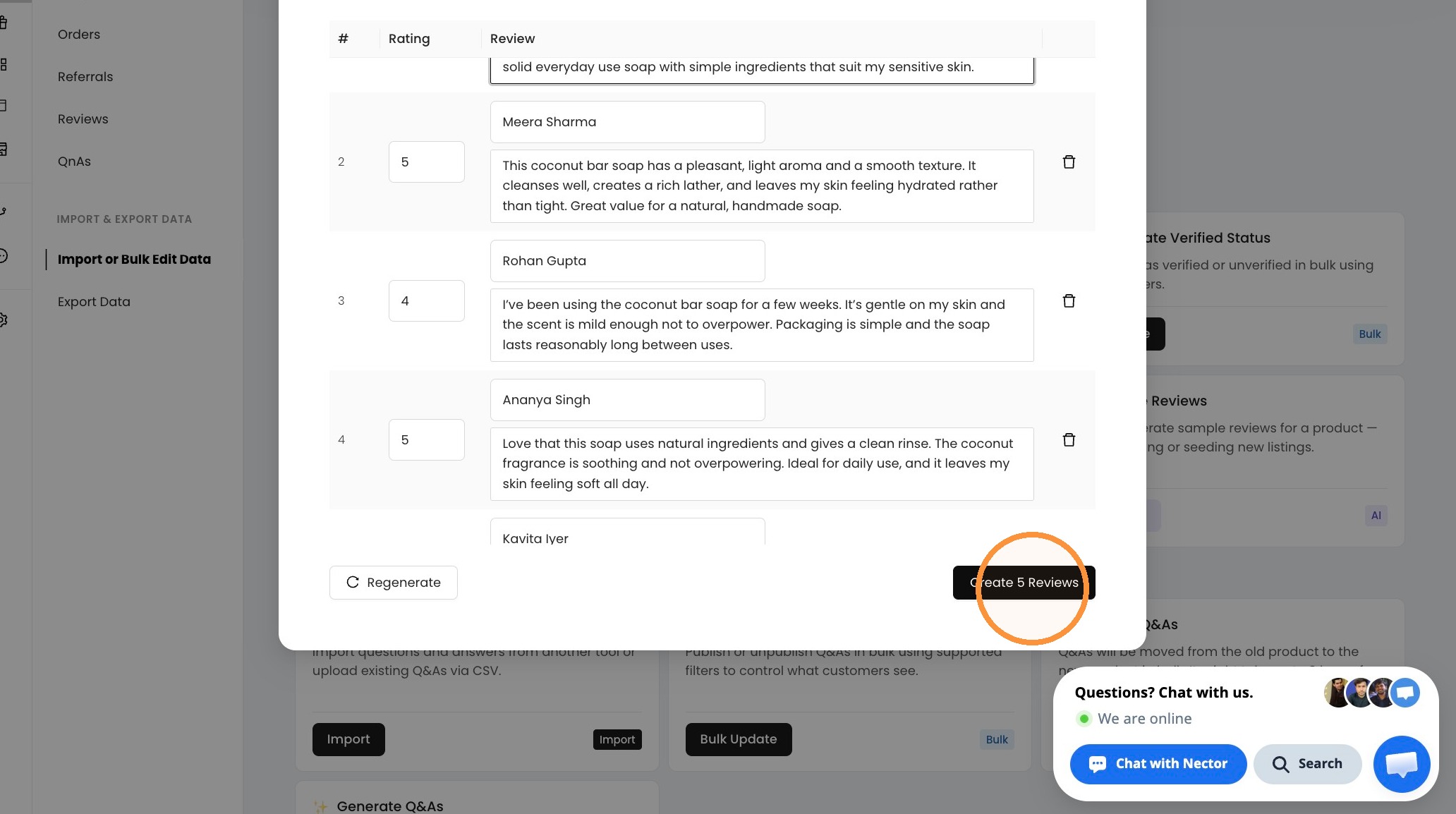
8. Click Create 5 Reviews. Once you are satisfied with the generated reviews, click the Create 5 Reviews button to publish them to your store.
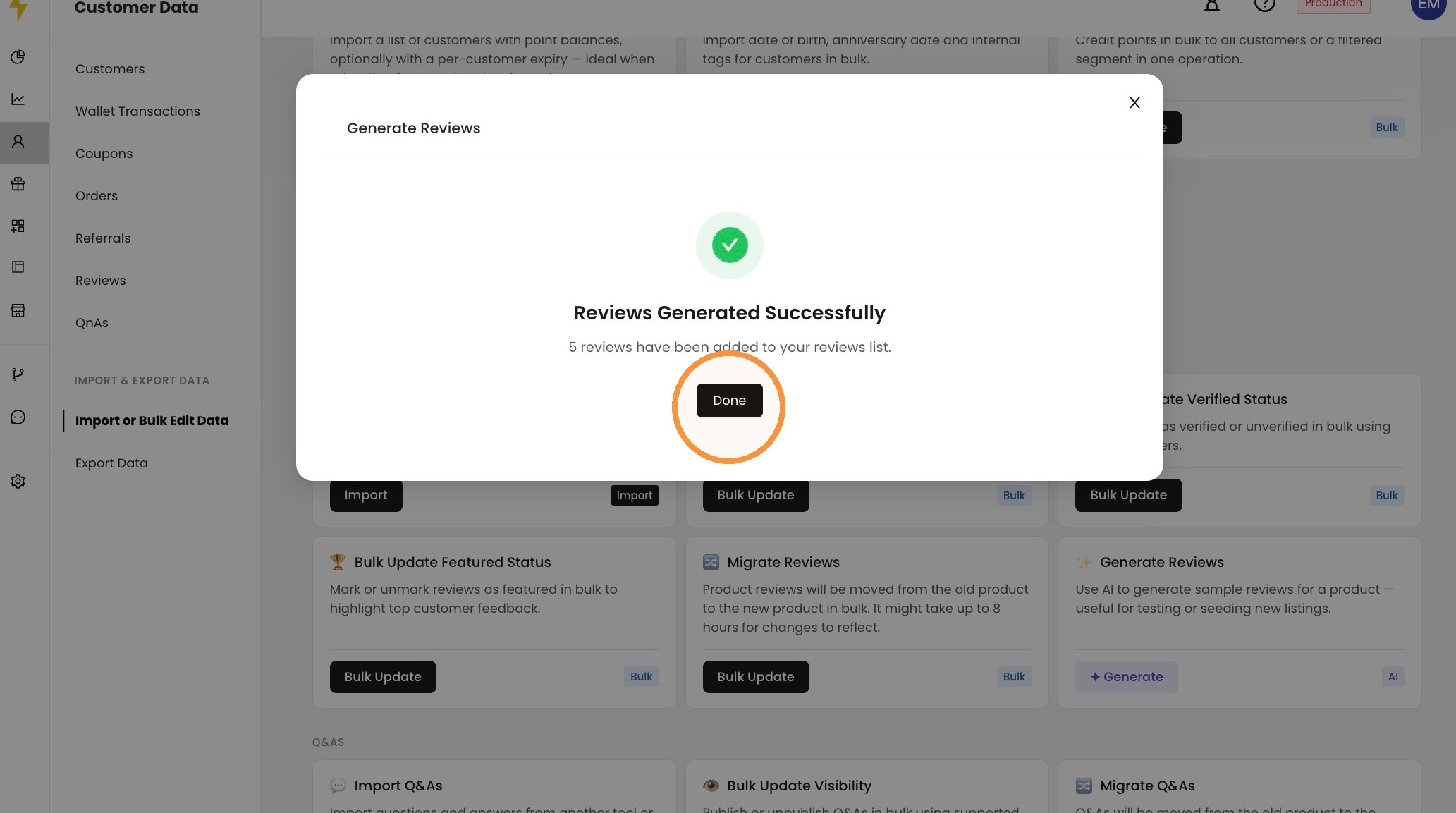
9. Reviews published successfully. Your five reviews are now live on your store. Click Done to close the dialog. You can repeat this process to generate more reviews for other products.
Updated on: 04/11/2026
Thank you!